Create an Apple Wallet Pass for Your Brand in 2026
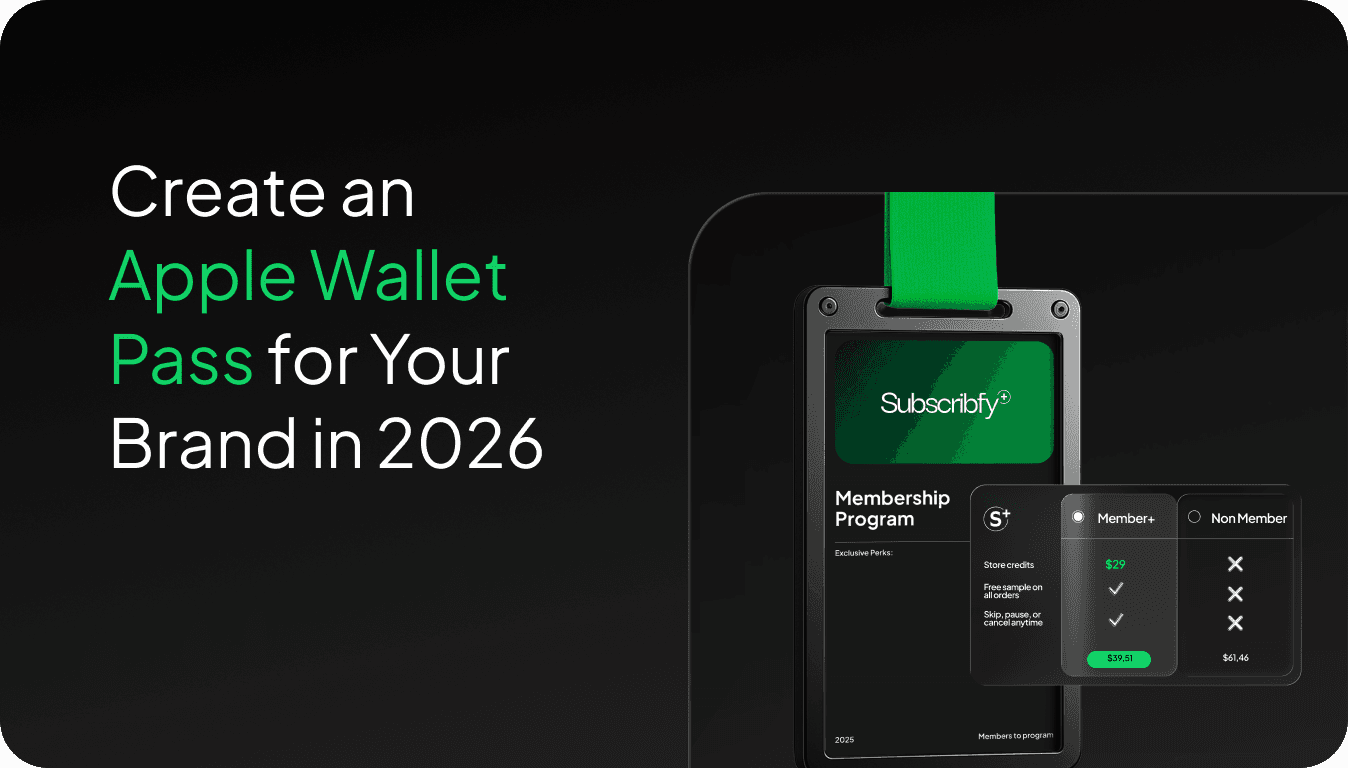
The complete guide to building, distributing, and using Apple Wallet passes to drive repeat purchases without an app or SMS budget.
What Is an Apple Wallet Pass?
An Apple Wallet pass is a digital card stored natively on iPhone. No app download required. Customers add the pass once, and from that point on, you can send push notifications directly to their lock screen, for free.
Passes can be membership cards, loyalty cards, gift cards, event tickets, coupons, or boarding passes. For e-commerce brands, the most relevant use case is a digital membership or loyalty card that keeps your brand visible between purchases.
The underlying format is a .pkpass file. It contains metadata, visual design elements, and a unique identifier tied to each customer. Apple reads this file and renders it natively in the Wallet app on iOS.
Why Apple Wallet Passes Matter for E-Commerce Brands
Here’s the honest reason brands should care: ecommerce email open rates average in the mid-30% to low-40% range, SMS costs money per message, and push notifications from apps require customers to download something most of them won’t.
Apple Wallet passes bypass all three problems.
Once a customer adds your pass, you can send push notifications at zero marginal cost. No SMS fee, no email open rate to worry about, no app download required. The notification appears directly on the lock screen with your brand name.
The other underrated feature is geolocation. You can trigger a notification automatically when a customer walks near a physical location: a store, a pop-up, a market stall. Set it up once. It runs on autopilot.
For brands with physical retail or temporary activations, this is genuinely powerful. A customer walks past your pop-up and gets a notification: “You’re near us. Come in and use your $25 credit.” That’s a conversion trigger with no human effort required.
How to Create an Apple Wallet Pass: Step by Step
Creating a pass from scratch is technical. Here’s what’s actually involved if you’re building it yourself, and a faster path if you’re not.
Step 1: Get an Apple Developer Account
You need an Apple Developer account ($99/year). This gives you access to the certificates required to sign your .pkpass files. Without a valid certificate, iOS will reject the pass.
Step 2: Create a Pass Type Identifier
In your Apple Developer account, go to Certificates, Identifiers & Profiles. Create a Pass Type ID. This is a unique string that identifies your pass type, formatted like pass.com.yourbrand.membershipcard.
Step 3: Generate the Certificate
Create a Pass Type ID certificate using Keychain Access on a Mac to generate a Certificate Signing Request. Download the certificate, add it to your Keychain. This is what signs each .pkpass file.
Step 4: Design the Pass
A .pkpass file is a zip archive containing a pass.json file plus image assets (icon, logo, strip image, thumbnail). The pass.json file defines:
Pass type (generic, coupon, store card, event ticket, boarding pass)
Fields displayed on the front and back
Colors and visual design
Barcode or QR code
Location triggers for geofencing
Push notification configuration
Design constraints are tight. You’re working within Apple’s templates. For a store card or loyalty card, you typically have a logo area, a header field, one primary field, two secondary fields, and a strip image.
Step 5: Sign and Package the Pass
Use the signing certificate to sign the pass assets using signpass (Apple’s command-line tool). This generates the final .pkpass file. The signing step requires Node.js or another runtime environment if you’re automating it.
Step 6: Distribute the Pass
Send the .pkpass file to your customer via email, SMS, or a link. When they open it on iPhone, iOS prompts them to add it to Wallet. That’s the moment of opt-in.
For distribution at scale, you need a pass server that handles: pass generation, updates (pushing changes to existing passes), and push notifications to registered devices.
Step 7: Push Updates and Notifications
When you update a pass (for example, a new credit balance or a new offer), your server sends a push notification to Apple Push Notification Service (APNs). APNs pings the device, which then fetches the updated pass from your server. This is how lock screen notifications work.
The Faster Path: Don’t Build It Yourself
If that process sounds like a significant engineering project, it is. Most Shopify brands don’t have the in-house infrastructure to build and maintain a pass server, handle APNs integration, and design compliant pass templates.
This is exactly why Subscribfy’s Wallet Pass product exists. It handles the entire technical layer, Apple (and Google) Wallet pass generation, push notification delivery, geolocation triggers, and pass updates, with no custom development required.
You set up your pass design and geofencing rules once. Passes are issued automatically when customers join your membership or loyalty program. When you want to send a push notification or update a credit balance, Subscribfy handles the APNs communication and pass refresh in the background.
The practical result: lock screen presence, geolocation triggers, and zero marginal messaging cost, without building anything from scratch.
Google Wallet: Don’t Forget Android
Google Wallet passes use a different format (Google Pay API for Passes, now part of the Google Wallet API), but the use case is identical. The setup process is similarly technical, involving Google Developer credentials and server-side API calls.
If you’re building for both platforms, you’re managing two separate technical integrations. A platform that handles both simultaneously removes a real operational burden.
What Makes a Good Apple Wallet Pass?
Most brands create a pass and then don’t use it. The pass sits in the customer’s Wallet and never generates any engagement.
The brands that get real value from Wallet passes treat the pass as a live communication channel, not a digital business card.
A few things that actually move the needle:
Geolocation triggers are underused. If you do any in-person selling (retail, pop-ups, markets, events), geofencing notifications are high-conversion and zero-cost. Set a 200-meter radius around your locations. Customers get a tap on the lock screen when they’re nearby. Done.
Keep pass content current. A loyalty pass that shows an outdated points balance loses credibility fast. Passes that update in real time, showing current credit balance, current tier, next reward, feel alive. Customers check them.
Tie passes to real value. Passes that display something the customer actually wants to see (available store credit, current discount status, loyalty tier) get opened. Passes that just show a QR code get ignored.
FAQ
Does creating an Apple Wallet pass require an app?
No. Apple Wallet is built into iOS. Customers don’t need to download anything. They tap a link or open an attachment and the pass is added directly to Wallet.
Can you send push notifications through Apple Wallet passes?
Yes. When you update a pass, Apple delivers a notification to the customer’s lock screen. This requires APNs integration on the server side, but the customer experience is zero-friction.
Do Apple Wallet passes work on Android?
No. Android uses Google Wallet (formerly Google Pay). The use cases are identical but the technical formats are different. You need a separate integration for Android.
How much does it cost to send Apple Wallet push notifications?
APNs itself is free. The cost is in the server infrastructure needed to manage pass updates and push notifications at scale, which is why most brands use a platform rather than building their own.
If you want lock screen presence, geolocation marketing, and a zero-cost push channel without hiring a developer, see how Subscribfy’s Wallet Pass works or book a demo to see it in action.

Book a meeting with our sales team now!
Create predictable revenue from the customers you already have.